- Firewall: 14 intrusion attempts blocked overnight
- Camera garden: motion, cat, ignored
- Guest Wi-Fi: 1 device, isolated
- Camera gate reads plate 1-ABC-123, known car
- Gate hub opens gate, arrival logged
- Phone roams AP Garden to AP Living in 38 ms
- PoE budget 60.3 W of 400 W
- Backup to NAS finished, 2.5 GbE

A network that runs your whole building.
I design and install Ubiquiti UniFi for homes and companies: the network, Wi-Fi, cameras, door access and the gate. One system, one app, wired properly once.
- 1 appNetwork, Wi-Fi, cameras, doors and gate in UniFi
- 0 €Monthly fee for recording or remote viewing
- 1 cablePer device: PoE carries power and data together
- LocalFootage recorded in your rack, not in a cloud
Every device in its place, and you can see it.
I start with the network, because everything else depends on it. Each kind of device gets its own segment, so a cheap smart plug can never reach your laptop and a camera can never phone home. Pick a network to see what it contains.
Guests get their own Wi-Fi with a time limit and no access to anything else.
Less to manage, nothing left to chance.
A well built network removes small daily frictions: Wi-Fi that drops in the garden, a camera that needs its own power socket, a router nobody dares to restart. Here is what I measure and hand over.
PoE in use 60.3 WBudget 400 W
- Phone, Living to Garden38 ms
- Laptop, Office to Upstairs41 ms
- Tablet, Upstairs to Living35 ms
- Home
Wi-Fi everywhere you live
Access points placed from a site survey, not guesswork. Your phone moves between them without dropping a video call, from the office to the end of the garden.
- Home and business
One cable per device
Cameras, access points and door readers take power and data from one cable. One UPS in the rack keeps all of them running through a power cut.
- Home and business
Problems found before you notice
If you want it, I keep an eye on the system remotely: a camera going offline or a disk filling up reaches me before it reaches you.
- Business
Staff, guests and machines apart
Separate networks for staff, visitors, payment terminals and cameras, with rules you can read on one screen.
- Business
Doors that follow your schedule
Badges, PIN codes or phones, with opening hours per person and a log of every entry. A lost badge is switched off in seconds.
- Business
Several sites, one dashboard
Shop, warehouse and home on the same UniFi account, each managed and updated from wherever you are.
Hardware I would put in my own house.
I only install Ubiquiti UniFi. Every part has a job, and I can explain each one. Scroll to take a camera apart.
Built for outside, every season.
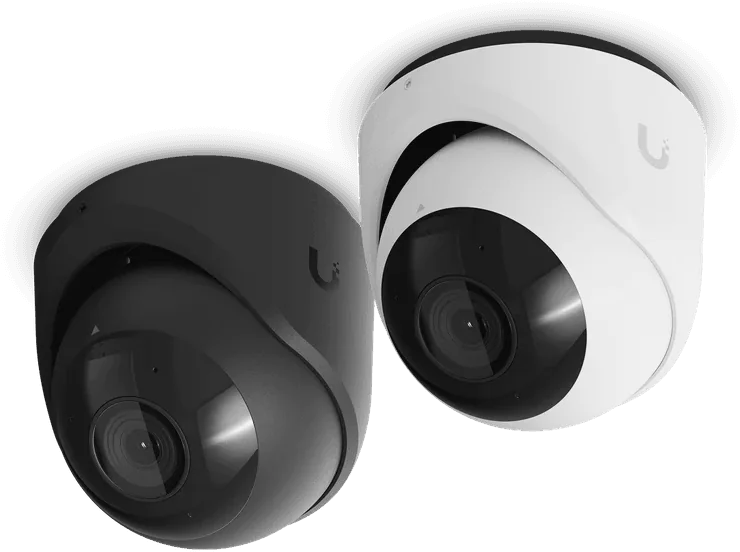
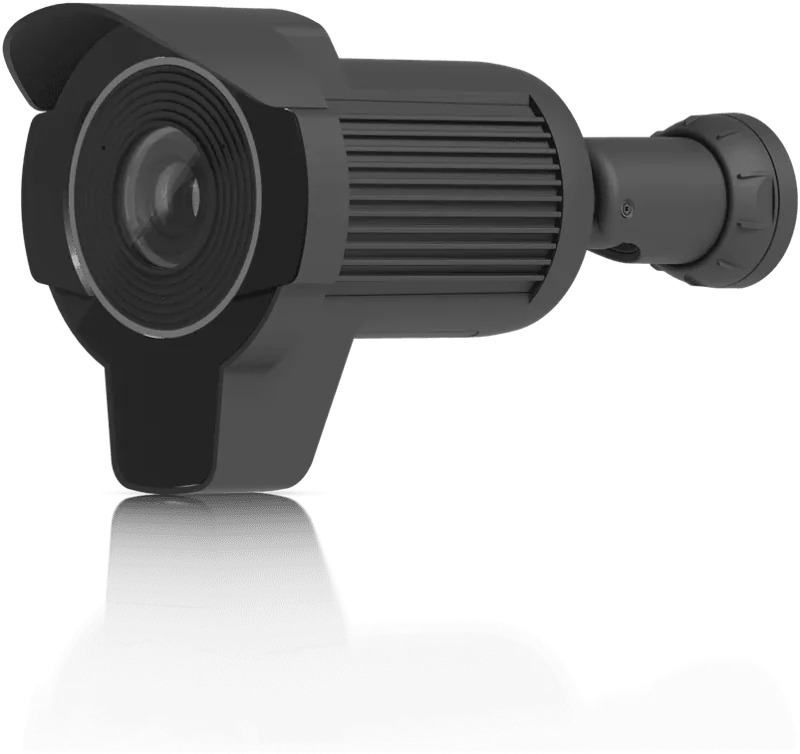
Weatherproof housings, infrared for the night and detection that tells a person from a car from a cat. I aim each one on site.
- ResolutionUp to 4K
- PowerPoE, one cable
- DetectionPeople, vehicles, plates
One unit in the rack.
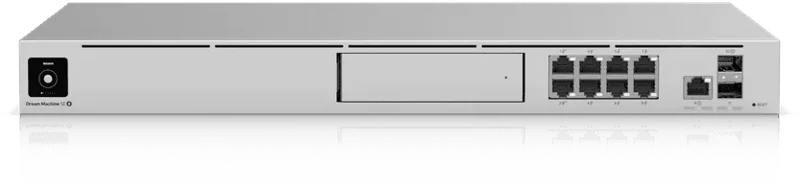
The Dream Machine SE is the router, the firewall and the video recorder. Footage goes to a drive in your rack and stays there.
- RoleRouter, firewall, NVR
- StorageHard drive in the unit
- Remote accessIncluded, no fee
Power and signal where you need them.
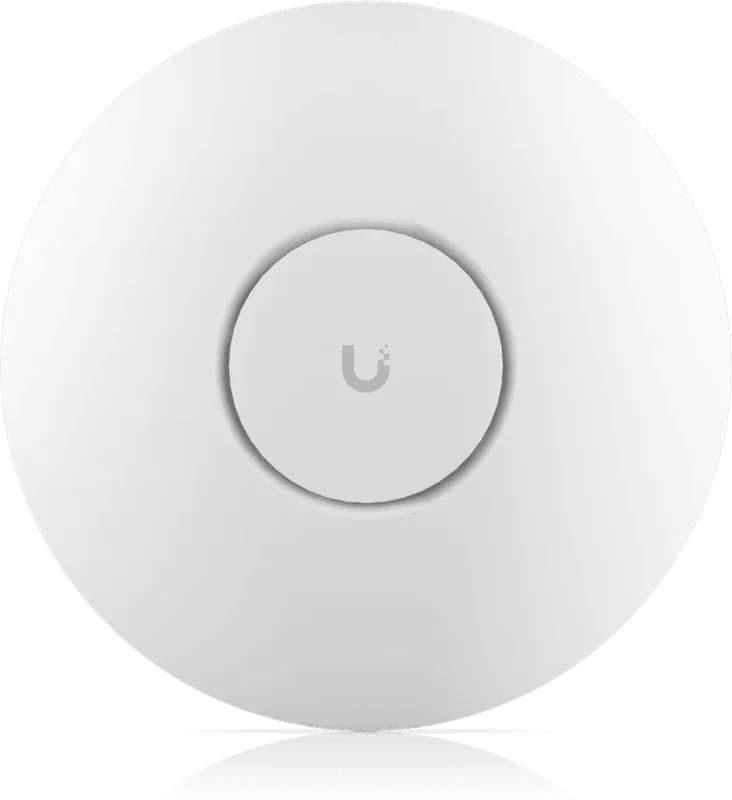
A PoE switch feeds every camera, reader and access point. Wi-Fi 7 access points cover the house, an outdoor model covers the garden.
- PoE budget400 W
- Access pointsWi-Fi 7
- Uplink10 GbE
Doors and gates on the same app.
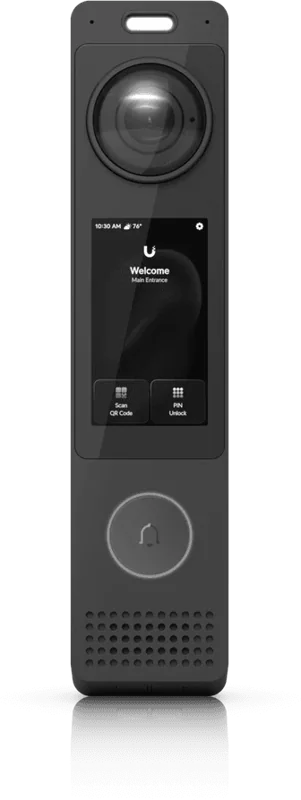
Readers at the door and the gate, a video doorbell at the entrance, and a hub that drives the gate motor. You choose who gets in, and when.
- Open withBadge, PIN, phone
- GatePlate recognition
- LogEvery entry, with image
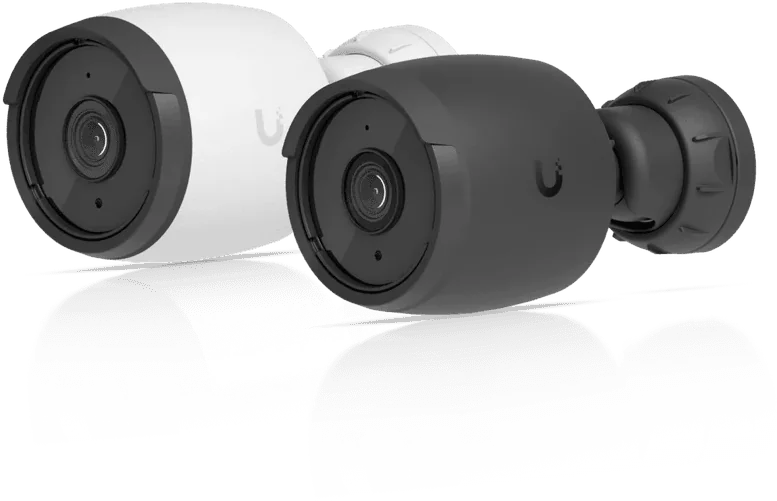
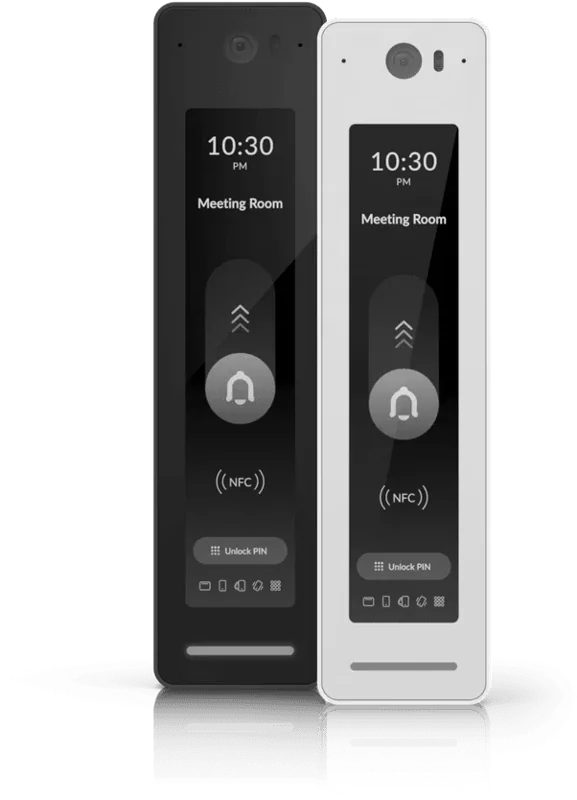
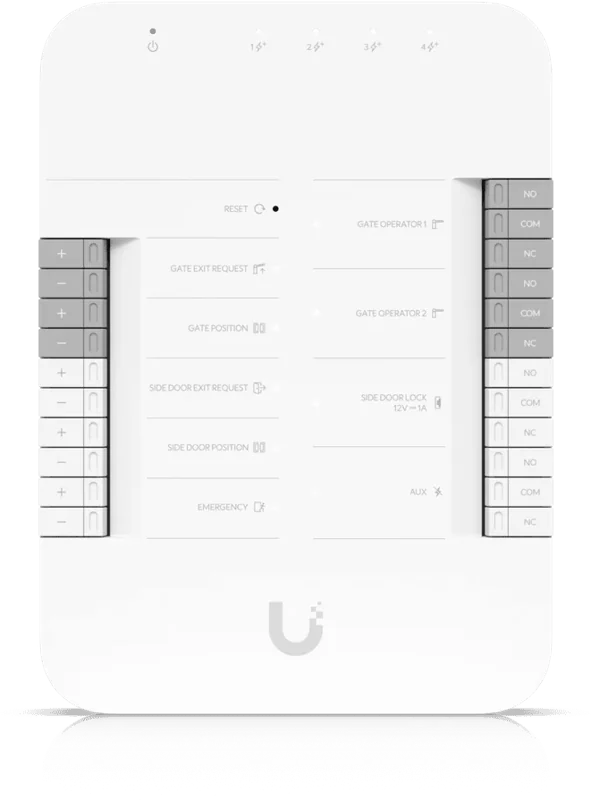
Product images: Ubiquiti. Models are examples, the final choice depends on your site.
Your gate knows your car.
A plate camera reads every car that arrives, day or night, and the gate hub acts on it.
- Known plateThe gate opens by itself and the arrival is logged with a snapshot.
- Unknown plateThe visitor rings the intercom and you answer from your phone.
- Delivery windowA courier code works between the hours you set, then stops.
A family home, planned before I drill.
This is the kind of plan you receive after my site visit. Switch the layers to see Wi-Fi coverage, what each camera watches, and how every cable runs back to the rack.
- 1Dream Machine SEGateway, firewall and recorder
- 4Access pointsThree indoor, one for the garden
- 6CamerasIncluding plate camera and doorbell
- 2Access readersGate and front door
Example only. The final plan and models depend on your property.
Why I only work with UniFi.
I tried mixing brands early on. It always ended with four apps that never quite talk to each other. One ecosystem is easier to live with and easier to support.
One app for everything
Network, cameras, doors and gate all live in UniFi, on your phone and on a laptop.
Your footage stays home
Video is recorded on the console in your rack. You own it and you decide who sees it.
No monthly fee for recording
You buy the hardware once. Recording, remote viewing and alerts need no subscription.
Built to grow
The same equipment businesses use. A new camera or door later simply joins the system.
Cameras filming your property must be declared and signposted. I help you register them and place the right signs, and I aim every camera so it respects your neighbours' privacy.
From first visit to handover.
Most homes take two to four days of work on site. Businesses depend on the number of doors and floors, and I plan around your opening hours.
- Week 1
Site visit
I walk the property with you: weak spots, cable routes, Wi-Fi dead zones and where the rack can go.
- Week 2
Plan and quote
A plan like the one above and a quote device by device, so you see what each euro does.
- On site
Installation
Cables pulled and labeled, rack mounted, every device configured and tested.
- Last day
Handover
The app on your phones, a short walkthrough, and the network map. I stay available afterwards.
Tell me about your place.
A house, an office, a shop or a warehouse. Tell me what works badly today and what you want to protect. I reply within one working day to plan a visit.

Benjamin SmetBSS Management Security